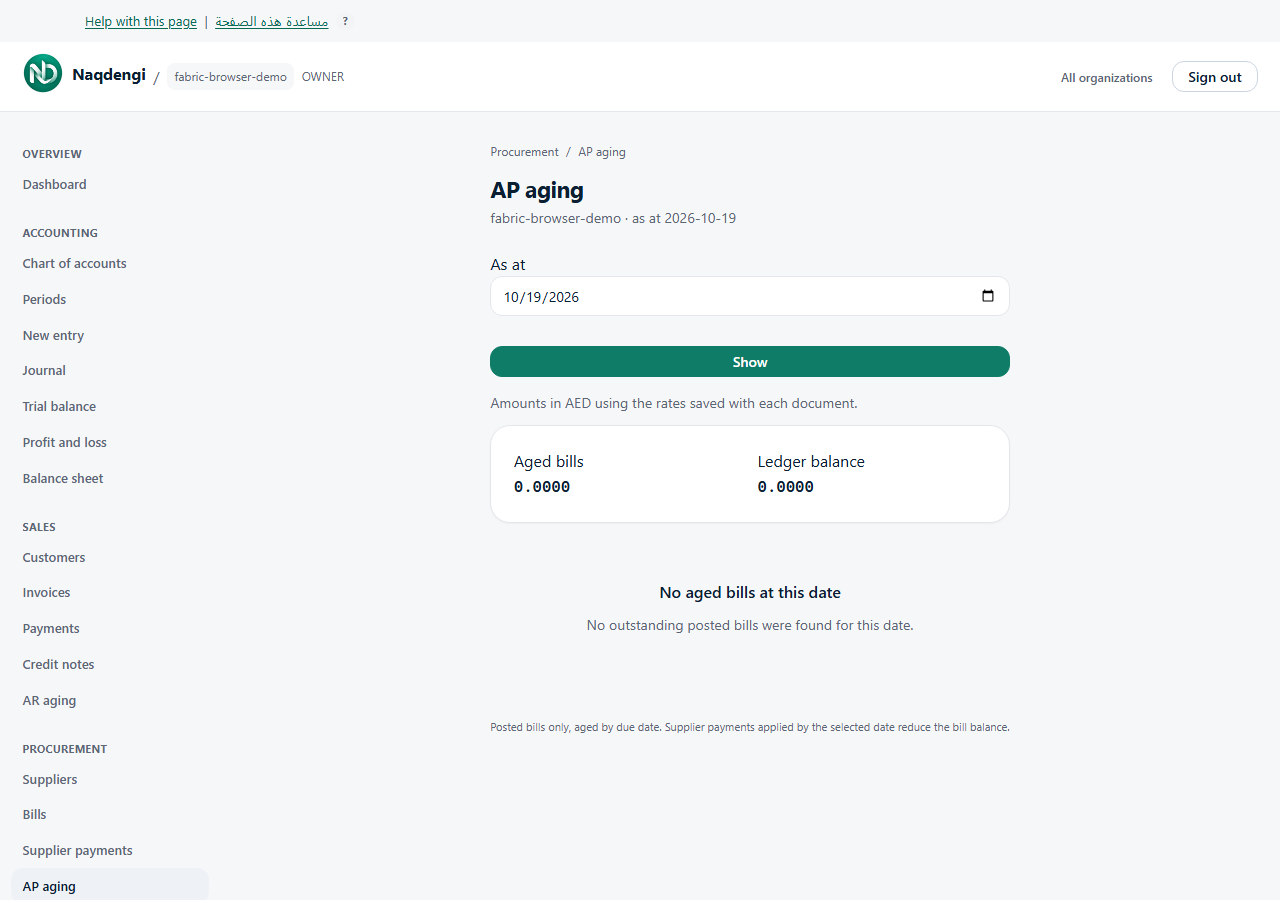
AP aging
Review outstanding supplier balances aged by due date as of a chosen date. Only Accountant, Admin, or Owner roles can view.
Steps
- Go to Procurement, then AP aging.
- Enter an As at date, then click Show.
- The report includes only POSTED bills, aged into buckets: Current, 1–30, 31–60, 61–90, Over 90 days. Scroll horizontally on mobile.
- Amounts are in company base currency using saved document exchange rates. Supplier payments effective by the selected date reduce outstanding amounts.
- This is an accounting‑date report, not a snapshot of what the UI showed on that day. Aged bills are separate from the signed ledger balance; unapplied payments appear separately when applicable.
- If Review required before relying on aging totals appears, some age amounts are withheld. Review Difference to review and any unassigned ledger entries with your accountant. Withheld does not mean zero or automatic reconciliation.
- No aged bills at this date means no outstanding posted bills were found — not that suppliers or drafts are missing.
Common problems
- Unexpected totals: verify company, date, posting status, and payment allocations.
- Withheld amounts: investigate Difference to review and review ledger entries.
- Horizontal scrolling needed on narrow screens.
Not available
- Sending money, mutating bills, sending reminders, or bank‑feed links.
- Export button.