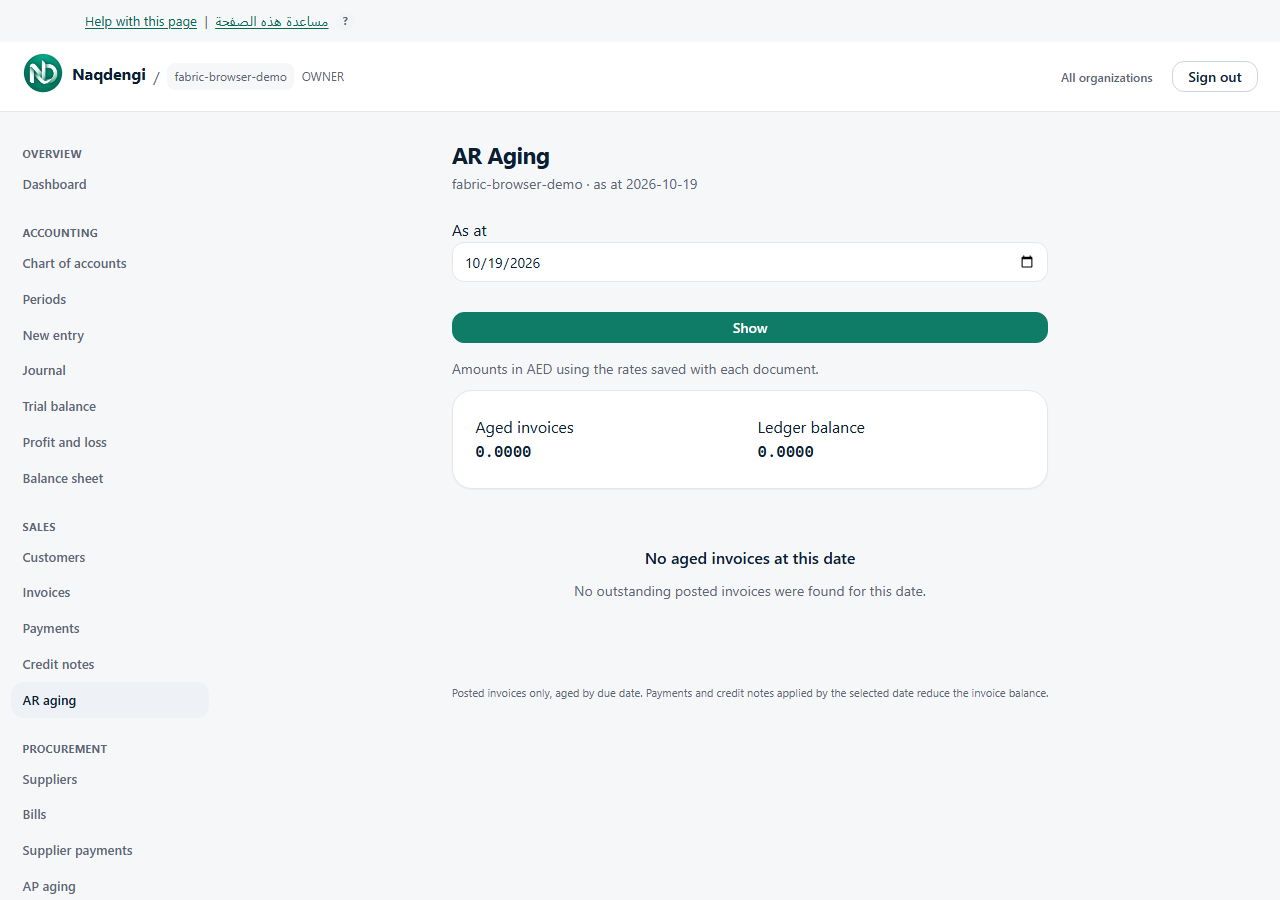
Read accounts receivable aging
Review outstanding posted invoices by customer and due date. Bookkeeper, Approver, Accountant, Admin and Owner can view AR Aging; Viewer cannot.
Steps
- Choose your company, then open Sales, then AR Aging.
- Choose As at, then Show.
- Review Current, 1–30, 31–60, 61–90 and Over 90 days. Current includes invoices due on or after the selected date. Scroll the table horizontally on a phone.
- Compare Aged invoices with Ledger balance. Review any separately shown unapplied credits or payments.
Amounts use company base currency and saved document rates. Payments and credit notes effective by the selected date reduce outstanding amounts. This is an accounting-date report, rather than a snapshot of what appeared on screen that day.
Common problems
An empty report means no outstanding posted invoices were found for that date; drafts are excluded. Check the company, date and posting state.
If Review required before relying on aging totals appears, affected aged amounts are withheld. Ask your accountant to examine Difference to review, unassigned ledger entries and linked documents. Withheld amounts do not mean zero, and the warning is not automatically resolved.
Not available
The report has no payment, edit, automated reminder or export controls.