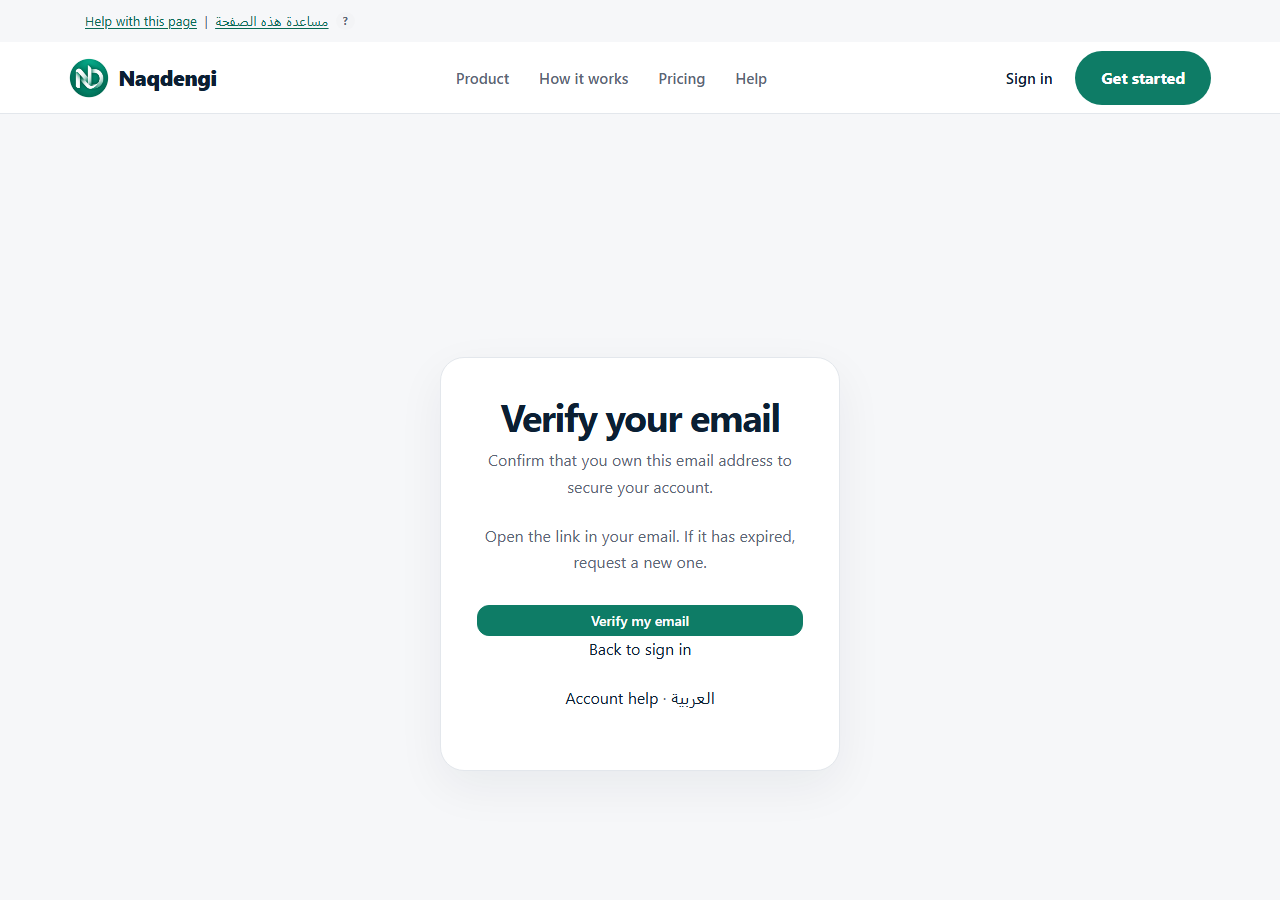
Verify your email
Purpose
Confirm that you control the email address on your Naqdengi account.
Steps
- Sign in and open your companies. If your email is unverified, the email verification card shows your account address.
- Choose Send secure link in that card. Check the inbox and spam folder for the address shown. You do not enter an email address on the confirmation page.
- Open the newest link in the Naqdengi email. Check that it opens https://naqdengi.com, then choose Verify my email. The link expires after 24 hours and can be used once. Never share it.
- If you need another link, wait for the countdown before choosing Send another link. A server rate limit can require a longer wait.
If your email is already verified, the request card is not shown and you do not need another confirmation link.
Common errors
- Expired or invalid link: request another link and use the newest email.
- Too many requests: wait for the time shown before trying again.
- No email: check the address and spam folder. A request acknowledgement alone does not prove inbox delivery.
What is not available yet
This flow does not provide phone verification. Do not send anyone your verification link or password.
For a forgotten password, use Password recovery, rather than the verification link. Reset links expire after 30 minutes.