Read financial reports
All company members, including Viewer, can read these reports. They use posted ledger entries; saving a draft does not add it to a report.
Steps
- Choose the company from your companies.
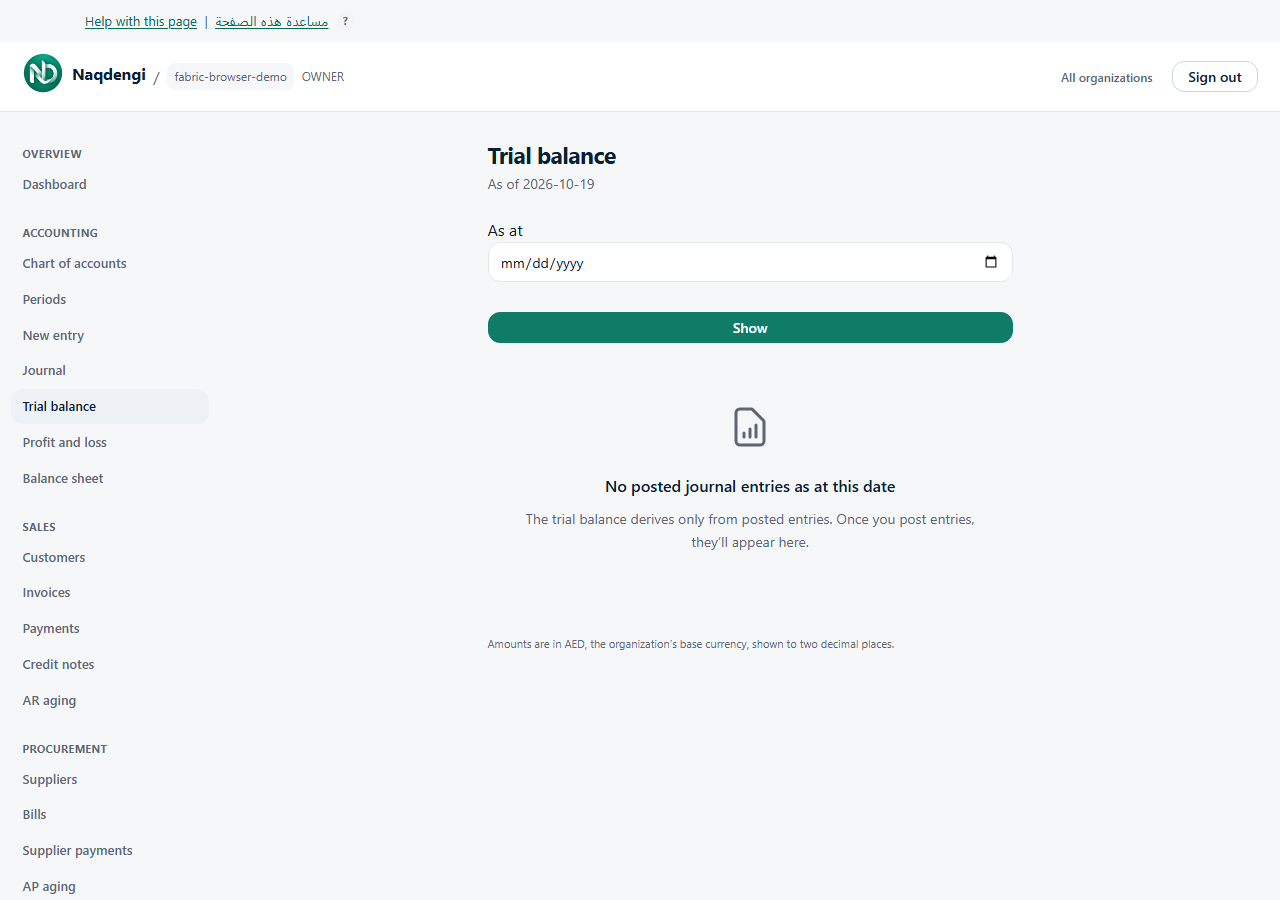
- Under Accounting, choose Trial balance, Profit and loss or Balance sheet.
- Trial balance and Profit and loss use From and To, then Show. The default range is the start of the current year through today. From must not be after To.
- Balance sheet uses As at, then Show, defaulting to today.
- Review account debit and credit totals in Trial balance, posted income and expenses in Profit and loss, or assets, liabilities, equity and retained earnings in Balance sheet.
- Choose an account code to see supporting entries in the filtered Journal. The same company access is required.
Amounts appear in company base currency to two decimal places. Reversals appear as opposite postings rather than removing the original entry. A foreign-currency rounding note may explain a displayed difference.
Common problems
An empty range has no relevant posted entries. Check company, dates and posting state before asking your accountant to investigate unexpected figures.
Not available
Report pages have no edit, source-posting, export or scheduled-email controls. Viewing a report does not file taxes, approve an audit or perform bank reconciliation.